
DJI Modify 1.7.0: What's New and Why 3D Model Refinement Matters for Mapping Professionals
作者:RobotWorld·2026/10/28
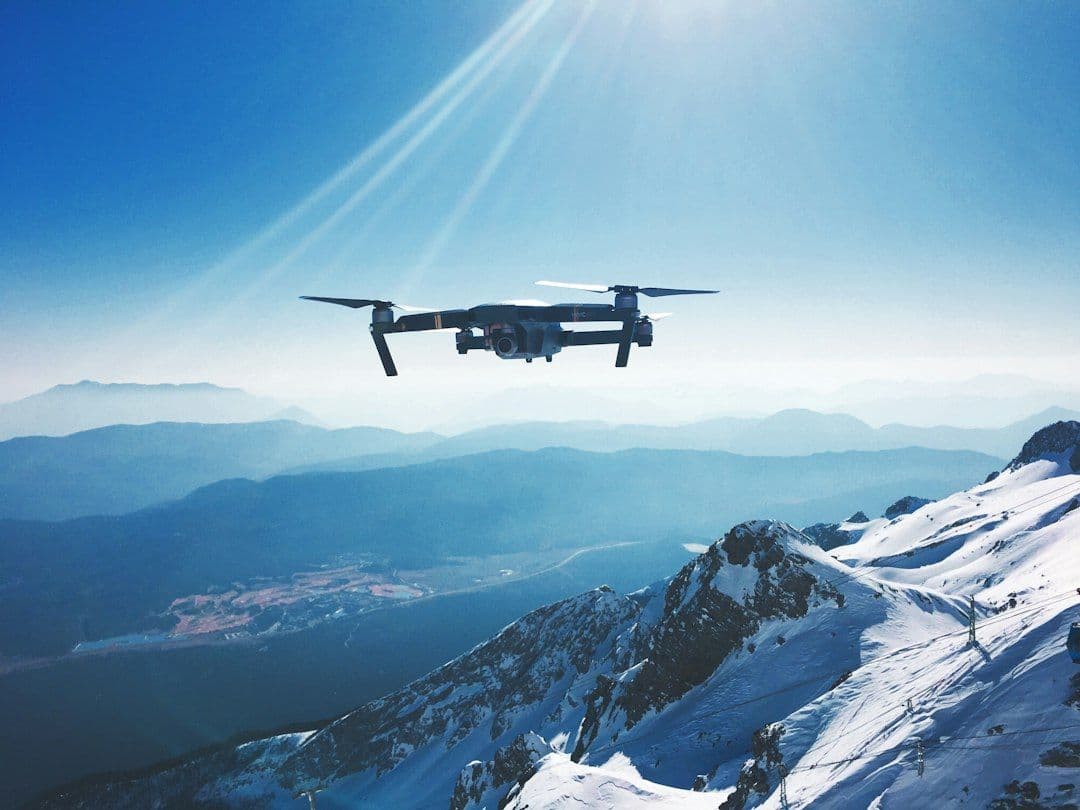
Drone photogrammetry has become one of the most practical ways to capture and reconstruct the physical world in three dimensions. But anyone who has taken a raw reconstruction from the field knows that the output — however impressive — rarely arrives ready to use. Surfaces can be incomplete, textures patchy, and geometry imprecise enough to cause problems downstream. That's the gap DJI Modify was built to fill, and the latest 1.7.0 release expands what professionals can do once a model lands on their screen.
What Is DJI Modify, Exactly?
DJI Modify is desktop software designed specifically for post-processing drone-generated 3D assets. Rather than competing with full-scale CAD or BIM packages, it focuses on the messy middle stage between raw photogrammetric reconstruction and a polished, deliverable model. Think of it as a targeted finishing environment: its tools are tuned for the kinds of imperfections that aerial data collection reliably produces.
The software is used by surveyors, GIS analysts, infrastructure inspectors, and construction professionals who need models accurate and clean enough to feed into broader pipelines — whether that means extracting measurements, generating orthophotos, sharing with stakeholders, or importing into engineering software.
What Version 1.7.0 Adds
The 1.7.0 update expands the toolkit available for model refinement across several key areas:
Enhanced geometry repair. Building facades, rooftops, and other structured surfaces sometimes emerge from reconstruction with holes, floating geometry, or misaligned faces. The new version introduces improved tools for detecting and correcting these defects — allowing users to patch problem areas without rebuilding an entire model from scratch.
Improved texture editing. Texture quality in photogrammetric models depends heavily on lighting conditions, flight altitude, and image overlap during capture. When those conditions aren't perfect, blurring, seams, or colour inconsistencies can appear. Version 1.7.0 gives users finer control over texture adjustment, helping to produce surfaces that are visually coherent and more faithful to real-world appearance.
Workflow refinements for downstream compatibility. Getting a 3D model into another tool — whether a GIS platform, a BIM application, or a visualisation engine — often requires careful formatting. The update streamlines export and data preparation options, reducing the friction of moving refined assets into wherever they need to go next.
Why This Kind of Post-Processing Software Matters
Raw photogrammetric reconstruction has improved dramatically over the past several years, but it has inherent limitations tied to physics and geometry. Occlusions — areas a drone's cameras simply couldn't see — will always produce gaps. Reflective or featureless surfaces confuse reconstruction algorithms. Low sun angles during capture can flatten textures or create artefacts. No amount of flight planning entirely eliminates these issues.
Post-processing software closes that gap. Rather than flying a site again or accepting a compromised deliverable, professionals can address specific problems directly in software. This matters economically: return flights cost time, battery cycles, and in some cases regulatory coordination. Being able to fix a model efficiently on the desktop preserves the value of the original capture.
It also matters for accuracy. In infrastructure inspection, construction progress monitoring, or asset management, a model with unrepaired geometry could lead to incorrect measurements or missed defects. The ability to validate, clean, and confidently sign off on a dataset before it enters a client workflow is a meaningful professional capability.
The Broader DJI Ecosystem Connection
DJI Modify sits at the software end of a workflow that begins in the air. Enterprise mapping drones like the DJI Mavic 3 Enterprise — which combines a high-resolution wide camera with an optional RTK module for centimetre-level positioning — generate the raw data that tools like Modify are designed to refine. The pairing of precise capture hardware with capable post-processing software is what turns a flight into a genuinely useful deliverable.
For teams that need an alternative platform, the Autel EVO Max 4T offers a comparable enterprise-grade four-sensor suite purpose-built for inspection and mapping workflows, and the models it produces can similarly benefit from dedicated refinement software downstream.
What Professionals Should Take Away
The 1.7.0 release reinforces a broader trend: drone mapping is maturing beyond the capture phase. Early adopters were rightly focused on getting drones in the air and getting data back. The industry has now moved into a more sophisticated phase where data quality, model integrity, and workflow efficiency are the competitive differentiators.
Tools like DJI Modify signal that the software layer of the drone industry is catching up with the hardware. For mapping professionals, that means less time wrestling with imperfect outputs and more time delivering work that clients can actually use.
If your team is building or refining a drone mapping workflow — from the right aircraft and sensors through to post-processing and delivery — it's worth evaluating how each stage connects. The best results come not from any single tool, but from a coherent pipeline where capture quality and finishing capability reinforce each other.
Interested in enterprise mapping solutions? Browse RobotWorld's range of professional drones and reach out to our team to discuss which platform best fits your survey and inspection requirements.
References
This article was drafted with AI assistance and reviewed before publishing.